
Free Math Calculator
Perform common mathematical calculations quickly and accurately.
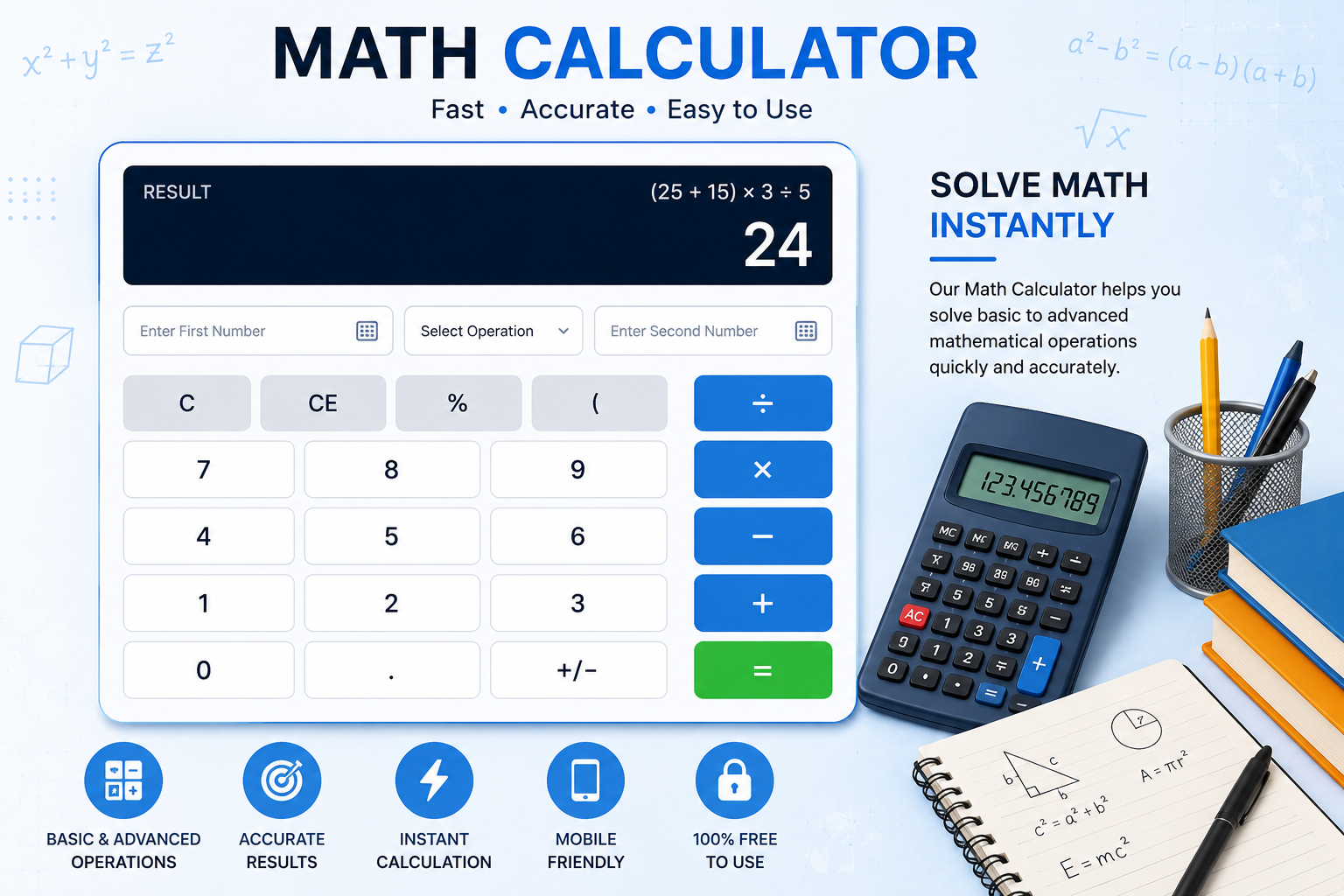
Use this free Math Calculator to solve common mathematical operations instantly. Enter two numbers, select the calculation you need, and click Calculate to get a quick result. The calculator supports addition, subtraction, multiplication, division, percentage calculations, and powers.
What Is a Math Calculator?
A Math Calculator is an online tool that helps users perform mathematical calculations without having to work through every step manually. From simple arithmetic to percentages and powers, an online calculator can provide a quick way to check numerical results.
Mathematics is used in many areas of everyday life. People calculate prices, discounts, budgets, measurements, quantities, ratios, and other numerical values regularly. Students and professionals may also use calculators to check their work or verify calculations.
This free Math Calculator is designed for common calculations and is suitable for students, teachers, business users, and anyone who needs a quick mathematical answer.
Why Use an Online Math Calculator?
Manual calculations are useful for learning mathematics, but they can sometimes take more time and may result in simple arithmetic mistakes. An online calculator provides a convenient way to check a calculation after entering the required numbers.
A calculator is especially useful when working with decimal numbers, percentages, large values, or powers. Instead of repeatedly performing the same arithmetic operation, you can enter the numbers once and receive the result immediately.
Benefits of This Math Calculator
- Free to use online
- Simple and beginner-friendly interface
- Supports common mathematical operations
- Works with decimal numbers
- Provides quick results
- Includes percentage calculations
- Supports powers and exponents
- Works on smartphones, tablets, and computers
- Includes a reset option for new calculations
How to Use the Math Calculator
Using this calculator is straightforward. You only need to enter the two numbers and select the operation you want to perform.
Step 1: Enter the First Number
Enter the first numerical value into the First Number field. You can enter whole numbers as well as decimal values.
Step 2: Enter the Second Number
Enter the second value in the Second Number field. The second number is used together with the first number according to the selected mathematical operation.
Step 3: Select an Operation
Choose Addition, Subtraction, Multiplication, Division, Percentage, or Power from the operation menu.
Step 4: Click Calculate
Click the Calculate button. Your result will appear directly below the calculator.
Step 5: Start a New Calculation
Click Reset whenever you want to clear the current values and start another calculation.
Mathematical Operations Supported
Addition
Addition combines two numbers to find their total. For example, if the first number is 25 and the second number is 15, the calculation is 25 + 15 = 40.
Subtraction
Subtraction finds the difference between two numbers. For example, 50 − 20 = 30. This operation is commonly used when comparing quantities or finding how much remains after something is removed.
Multiplication
Multiplication is used to find the total when a value is repeated a certain number of times. For example, 8 × 7 = 56.
Division
Division separates a number into equal parts or determines how many times one number is contained within another. For example, 100 ÷ 4 = 25.
Percentage
The percentage option calculates the first number as a percentage of the second number. The formula used is:
(First Number ÷ Second Number) × 100
For example, if the first number is 25 and the second number is 100, the result is 25%.
Power and Exponents
The Power option calculates the first number raised to the power of the second number. For example, 2 raised to the power of 5 equals 32.
Powers are commonly used in mathematics, science, engineering, computer science, and other technical fields.
Examples of Math Calculations
Understanding simple examples can make it easier to use an online calculator correctly.
Addition Example
Suppose you have 125 and 75. Select Addition and enter both values. The result is 200.
Subtraction Example
If you want to find the difference between 500 and 175, select Subtraction. The result is 325.
Multiplication Example
If a product costs $15 and you want to calculate the cost of 8 units, multiplication gives 15 × 8 = 120.
Division Example
If $240 is divided equally among 6 people, the calculation is 240 ÷ 6 = 40.
Percentage Example
If 30 is compared with 120, the percentage calculation is (30 ÷ 120) × 100 = 25%.
Power Example
If you enter 3 as the first number and 4 as the second number and select Power, the result is 3⁴ = 81.
Who Can Use a Math Calculator?
Students
Students can use a math calculator to check arithmetic exercises, homework calculations, percentage problems, and exponent calculations. It can be useful as a verification tool while learning mathematical concepts.
Teachers
Teachers may use calculators to quickly verify numerical examples while preparing lessons, worksheets, or classroom exercises.
Business Professionals
Business users frequently work with prices, quantities, percentages, revenue figures, expenses, and other numerical values. A simple calculator can help with quick calculations.
Home Users
Everyday calculations such as comparing prices, splitting costs, calculating percentages, and checking quantities can be performed using an online math calculator.
Anyone Who Needs a Quick Calculation
You do not need advanced mathematical knowledge to use this tool. For common arithmetic problems, simply enter the numbers, select an operation, and calculate the result.
Math Calculator for Students
A basic math calculator can be helpful for students when checking arithmetic work. It can be used for addition, subtraction, multiplication, division, percentages, and powers.
Students should still understand the mathematical method behind a calculation. Using a calculator as a verification tool can help identify arithmetic mistakes while keeping the focus on understanding the underlying concept.
Tips for Getting Accurate Results
- Check both numbers before calculating.
- Make sure you have selected the correct operation.
- Use decimal points carefully.
- Do not use zero as the divisor.
- Check whether a percentage calculation is appropriate for your problem.
- For powers, confirm which number is the base and which is the exponent.
- Review the result if the calculation is being used for an important decision.
Math Calculations in Everyday Life
Mathematics is part of many everyday activities. When shopping, people compare prices and calculate discounts. When managing a household budget, they add expenses and compare income with spending. At work, calculations may be required for quantities, percentages, invoices, measurements, or business figures.
Having access to a simple online math calculator can make these routine tasks more convenient. Instead of opening a separate application, users can perform common calculations directly in their browser.
Frequently Asked Questions
1. What is a Math Calculator?
A Math Calculator is an online tool used to perform mathematical operations such as addition, subtraction, multiplication, division, percentages, and powers.
2. Is this Math Calculator free?
Yes. This online Math Calculator is free to use. You can enter your numbers and perform calculations directly in your browser.
3. Can I use decimal numbers?
Yes. The calculator accepts decimal values, so you can perform calculations involving numbers such as 12.5, 7.25, or 0.75.
4. Can this calculator calculate percentages?
Yes. Select the Percentage option and enter the two required numbers. The calculator uses the formula (first number ÷ second number) × 100.
5. Can I calculate exponents?
Yes. Select the Power option. The first number is used as the base and the second number is used as the exponent.
6. What happens when I divide by zero?
Division by zero is not defined. The calculator detects a zero divisor and displays an appropriate message instead of returning a numerical result.
7. Can students use this Math Calculator?
Yes. Students can use it to check arithmetic calculations, practice mathematical operations, and verify answers while studying.
8. Does the calculator work on mobile phones?
Yes. The calculator is designed with a responsive layout and can be used on smartphones, tablets, laptops, and desktop computers.
9. Can I perform multiple calculations?
Yes. After completing one calculation, you can change the numbers or operation and calculate again. The Reset button can be used to clear the fields completely.
10. What mathematical operations are included?
The calculator currently supports addition, subtraction, multiplication, division, percentage, and power calculations.
Final Thoughts
This free Math Calculator provides a convenient way to perform common mathematical calculations online. Whether you are checking homework, working with percentages, comparing numbers, calculating powers, or handling an everyday numerical problem, the tool can provide a quick result.
Enter your numbers, choose the required operation, and click Calculate to get your answer. For important financial, scientific, engineering, or academic work, always review the inputs and the calculation method to make sure the result is appropriate for your specific situation.