
Planning a long-distance journey in Minecraft? The Minecraft Nether Portal Calculator helps you convert coordinates between the Overworld and the Nether. Enter your X, Y and Z coordinates to find the corresponding location and plan a more efficient portal route.
Minecraft Nether Portal Calculator
Enter your coordinates and choose the dimension you are travelling from.
Your Destination Coordinates
Suggested whole-block coordinates:
Whole-block values are rounded down. These are target coordinates, not a guarantee that the game will link the portal at this exact position.
Formula: Overworld to Nether = X and Z divided by 8. Nether to Overworld = X and Z multiplied by 8. Y stays unchanged in the basic conversion.
What Is a Minecraft Nether Portal Calculator?
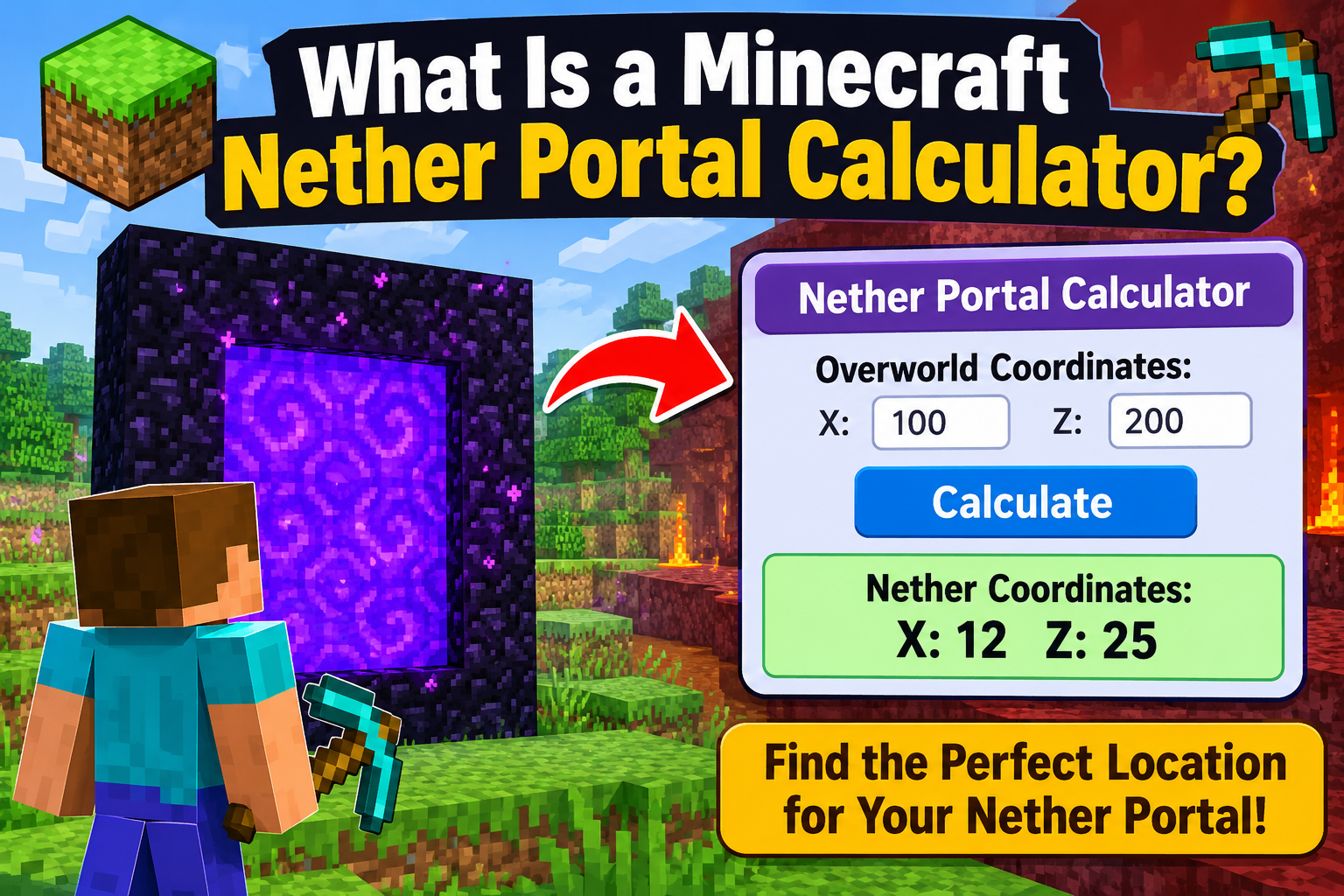
A Minecraft Nether Portal Calculator is a coordinate conversion tool that helps players identify corresponding locations between the Overworld and the Nether. It is useful when connecting distant bases, visiting villages, travelling to farms, or planning a central Nether hub.
Minecraft uses a different horizontal distance scale for these dimensions. Eight blocks of horizontal distance in the Overworld correspond to approximately one block in the Nether. Converting your X and Z coordinates can therefore help you plan shorter journeys.
You do not need your world seed to perform this basic calculation. Simply enter the coordinates of your current location and choose the dimension you are travelling from.
How Does the Minecraft Nether Portal Calculator Work?
The calculator uses Minecraft's standard 8:1 horizontal coordinate relationship. The direction of travel determines whether the X and Z coordinates are divided or multiplied by eight.
1. Overworld to Nether
When travelling from the Overworld to the Nether, divide the X and Z coordinates by eight. Keep the Y coordinate unchanged in the basic calculation.
Formulas:
X in Nether = X in Overworld ÷ 8
Y in Nether = Y in Overworld
Z in Nether = Z in Overworld ÷ 8
For example, an Overworld location at X = 1200, Y = 70 and Z = -800 corresponds to X = 150, Y = 70 and Z = -100 in the Nether.
2. Nether to Overworld
When travelling from the Nether to the Overworld, multiply the X and Z coordinates by eight. Keep Y unchanged in the basic conversion.
Formulas:
X in Overworld = X in Nether × 8
Y in Overworld = Y in Nether
Z in Overworld = Z in Nether × 8
For example, a Nether location at X = 150, Y = 70 and Z = -100 corresponds to X = 1200, Y = 70 and Z = -800 in the Overworld.
How to Use This Minecraft Nether Portal Calculator
Step 1: Find your coordinates
Check your X, Y and Z coordinates in Minecraft. In Java Edition, the debug screen displays position information. In Bedrock Edition, enable Show Coordinates in the world settings if available.
Step 2: Choose the starting dimension
Select Overworld to Nether if you are starting in the Overworld. Select Nether to Overworld if you are starting in the Nether.
Step 3: Enter X, Y and Z
Enter all three coordinates. Use negative numbers where needed and ensure that your coordinates belong to the selected starting dimension.
Step 4: Calculate your destination
Click Calculate Coordinates to display the converted X, Y and Z values. You can also copy the results for reference while playing.
Step 5: Build and test your portal
Travel to the calculated destination and build a portal in a suitable location. Check for nearby portals and test the connection in both directions.
Minecraft Nether Portal Coordinate Conversion Table
The following examples demonstrate the basic 8:1 horizontal coordinate rule.
| Overworld Coordinates (X, Y, Z) | Nether Coordinates (X, Y, Z) |
|---|---|
| (800, 64, 400) | (100, 64, 50) |
| (1200, 70, -800) | (150, 70, -100) |
| (-1600, 64, 2400) | (-200, 64, 300) |
| (4000, 80, -2000) | (500, 80, -250) |
| (-800, 90, -1600) | (-100, 90, -200) |
Why Is Nether Travel Useful in Minecraft?
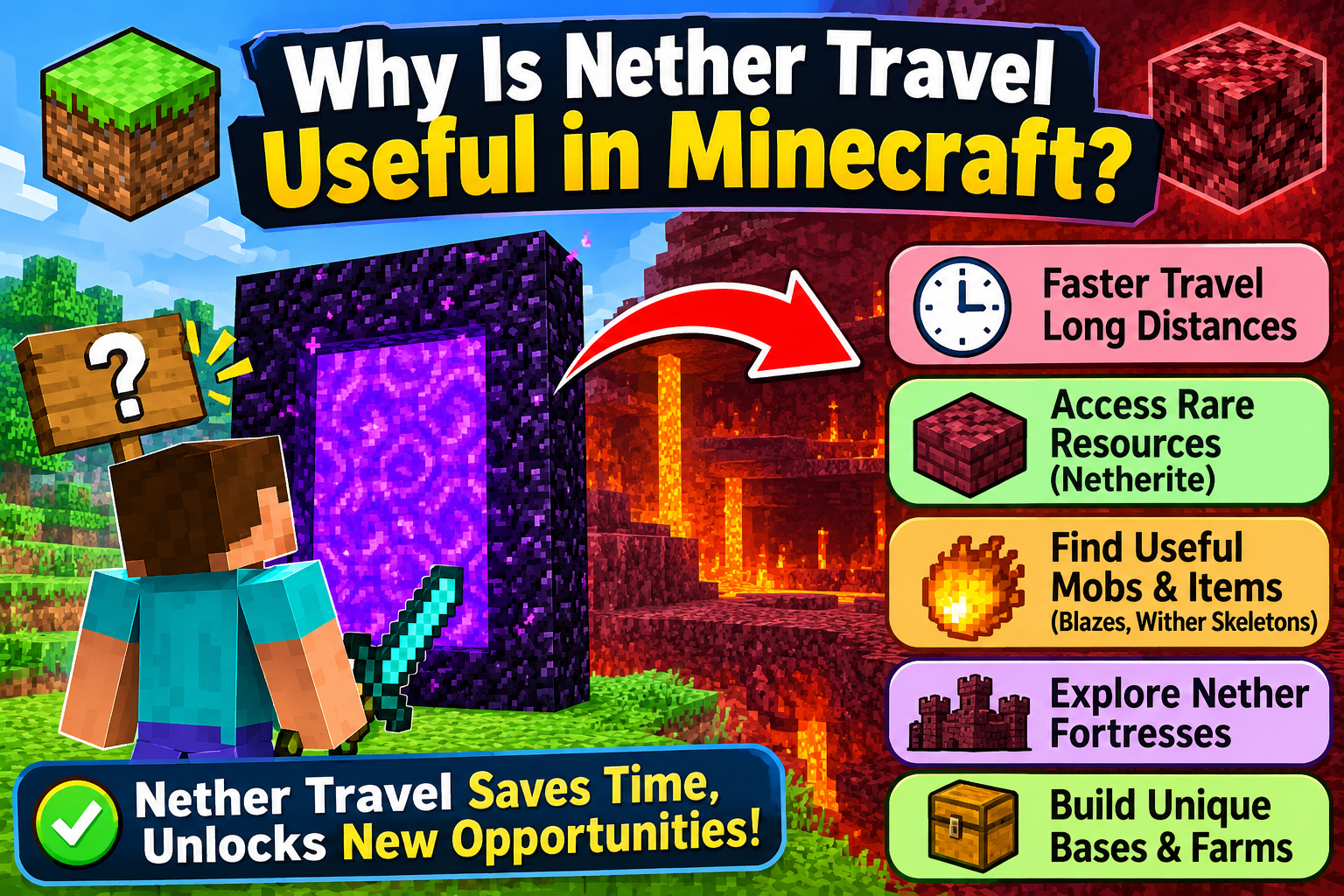
The Nether can make long-distance travel more efficient because horizontal distances are scaled down compared with the Overworld. A route spanning 8,000 horizontal blocks in the Overworld corresponds to roughly 1,000 blocks in the Nether in terms of coordinate distance.
Connect distant bases
Use planned portals to connect separate bases, storage rooms, farms and other important locations without travelling the full distance on the Overworld surface.
Reach villages and exploration areas
Portal networks can make it easier to visit villages and distant exploration locations. Calculate the destination first and check the terrain before building.
Build a Nether hub
A Nether hub is a central location connecting multiple portals. Marked tunnels, bridges and protected paths can make the network easier to navigate.
How to Link Two Nether Portals Correctly
Matching coordinates are a useful starting point, but they do not guarantee that two portals will always link as expected. Minecraft searches for available portals in the destination dimension, and nearby portals or height differences can affect the result.
- Record the X, Y and Z coordinates of your first portal.
- Convert X and Z using the calculator.
- Travel to the corresponding location in the other dimension.
- Build and activate a portal as close as practical to the calculated location.
- Test the connection in both directions.
- If the link is incorrect, check nearby portals and compare their coordinates.
Common Minecraft Nether Portal Mistakes
Forgetting to divide or multiply by eight
Using the same horizontal coordinates in both dimensions may put you far from your intended destination. Apply the conversion in the correct direction.
Removing the minus sign
A coordinate of -1200 becomes -150 when divided by eight. Changing it to positive 150 points to a different location.
Dividing the Y coordinate
The standard conversion changes X and Z, not Y. Keep the height unchanged for the basic calculation, then choose a safe building height based on the terrain.
Expecting an exact portal link
The calculated coordinates indicate the corresponding location, but terrain restrictions, height and nearby portals can affect portal placement and linking.
Frequently Asked Questions
1. What is a Minecraft Nether Portal Calculator?
It is a tool that converts X, Y and Z coordinates between the Overworld and the Nether to help players plan portal locations and routes.
2. What is the Nether portal coordinate formula?
Divide X and Z by eight when travelling from the Overworld to the Nether. Multiply X and Z by eight when travelling from the Nether to the Overworld. Keep Y unchanged in the basic calculation.
3. Does the calculator support negative coordinates?
Yes. Enter negative X or Z values with the minus sign. The calculator applies the same conversion formula to positive and negative values.
4. Does the Y coordinate change between dimensions?
The basic coordinate conversion keeps Y unchanged. However, you may need a different height to build a safe portal or account for terrain and portal-linking behaviour.
5. Why does my Nether portal lead to the wrong location?
A nearby portal may be selected instead of the intended one. Check your coordinates, height, terrain and other portals in the destination area.
6. Does this calculator work in Java and Bedrock Edition?
Yes. The basic 8:1 horizontal coordinate relationship applies to both editions. Some portal-linking details may differ, so always test the connection in your world.
7. Can I connect two distant bases using Nether portals?
Yes. Convert each base's horizontal coordinates and build portals near their corresponding locations. Test both routes and adjust if other portals interfere.
8. How many obsidian blocks are needed for a Nether portal?
A standard rectangular portal frame can use 10 obsidian blocks when the four corner blocks are omitted, or 14 when the corners are included. The frame must be built correctly and activated before use.
Conclusion
The Minecraft Nether Portal Calculator makes coordinate conversion simple and helps you plan more efficient journeys between the Overworld and the Nether. Whether you are connecting distant bases, building a Nether hub, visiting a village or organising a portal network, calculating the destination in advance can save time and make navigation easier.
Remember the main rule: divide X and Z by eight when travelling from the Overworld to the Nether, multiply them by eight when returning to the Overworld, and keep Y unchanged for the basic conversion. Once you have calculated the destination, check the terrain, consider nearby portals and test the connection in both directions. With careful planning, you can create a more reliable Nether travel network in your Minecraft world.