
Chronological Age Calculator
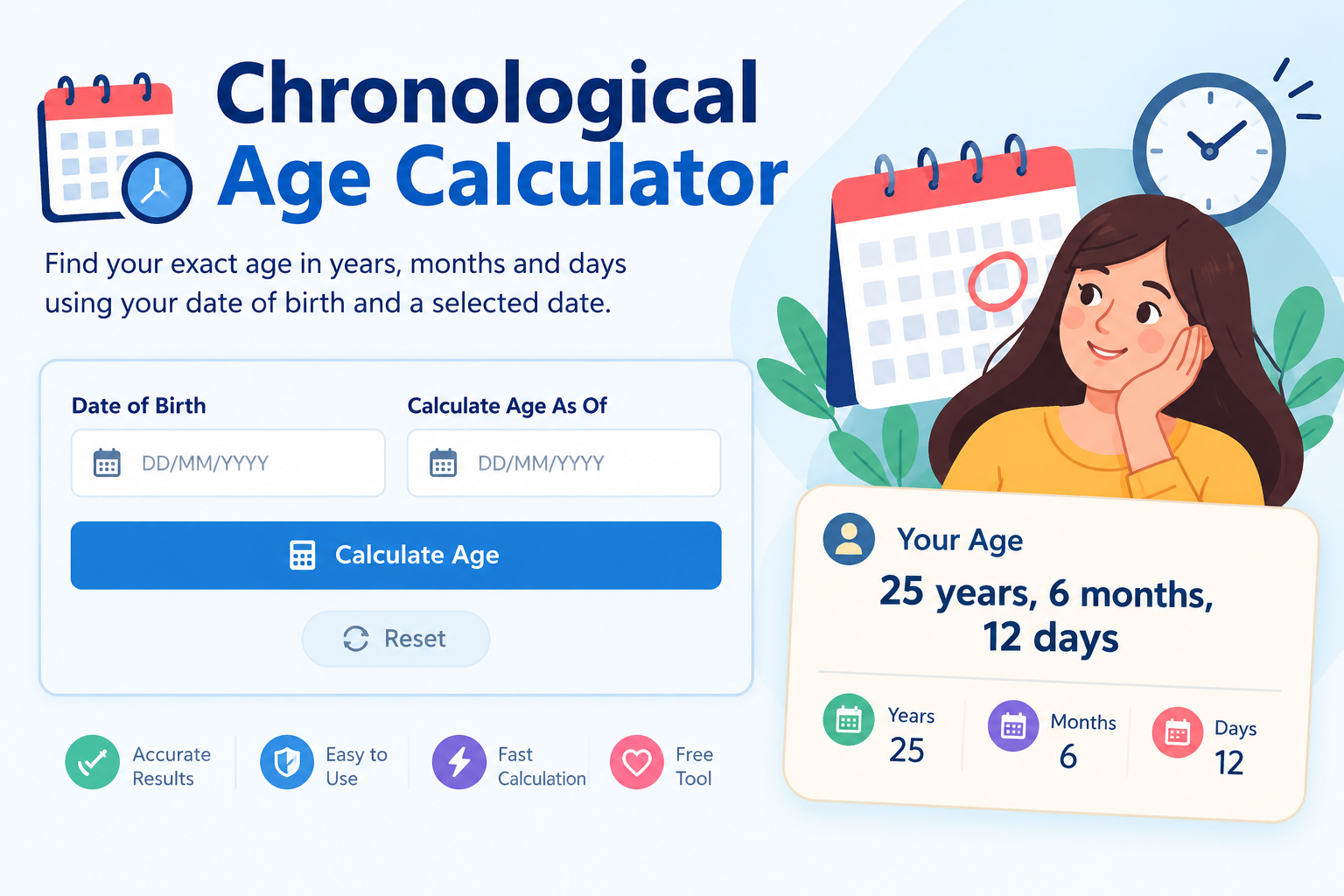
Calculate your exact chronological age in years, months, and days. Enter your date of birth and choose a reference date to find your age on that day.
Your Chronological Age
Total completed months:
Total elapsed days:
Total weeks (approx.):
Decimal age (approx.):
What Is a Chronological Age Calculator?
A chronological age calculator is an online tool that calculates the time elapsed between a person's date of birth and a selected reference date. It displays age in completed years, additional months, and remaining days rather than showing only a whole number of years.
For example, someone may be 25 years old in everyday conversation, while a record or assessment requires a more precise age, such as 25 years, 7 months, and 8 days. Calculating this manually can be confusing because calendar months have different lengths.
The free Chronological Age Calculator from Canada Calculators makes this calculation simple. Enter your birth date and select the date on which you want to calculate your age. You can check your current age or calculate how old you were or will be on another date.
How to Use the Chronological Age Calculator
Follow these steps to calculate your chronological age online.
- Enter your date of birth: Select your correct birth day, month, and year.
- Choose the reference date: Select today's date to calculate your current age or another date for a past or future calculation.
- Click Calculate Age: The calculator works out the elapsed calendar time between both dates.
- Review the result: Check your completed years, months, days, total days, and approximate decimal age.
- Reset the calculator: Clear the form when you want to make another calculation.
Double-check both dates before using the result for an official form or assessment. An incorrect date can change the calculated age.
How Is Chronological Age Calculated?
The basic formula is:
The elapsed time is divided into completed calendar years, months, and remaining days. Because months have different lengths, an exact calendar-age calculation should not assume that every month contains 30 days.
Step 1: Calculate completed years
Subtract the birth year from the reference year, then check whether the birthday has occurred by the reference date. If the birthday has not yet occurred, subtract one year.
Step 2: Calculate additional months
After counting completed years, calculate the full calendar months since the most recent birthday.
Step 3: Calculate remaining days
Count the days remaining after the completed years and months. The number of days in each calendar month affects this part of the calculation.
Step 4: Display the result
The calculator combines the three parts into an age such as 25 years, 7 months, and 8 days. It also displays total elapsed days and other approximate measurements.
Chronological Age Calculation Example
Suppose a person was born on April 2, 2000, and the reference date is January 10, 2026. Their chronological age is 25 years, 9 months, and 8 days.
The person has completed 25 years because their 26th birthday has not yet arrived. From April 2 to January 2 is nine complete calendar months, followed by eight additional days until January 10.
This example shows why subtracting the birth year from the reference year is not enough. The month and day must also be considered.
Why Is Exact Chronological Age Important?
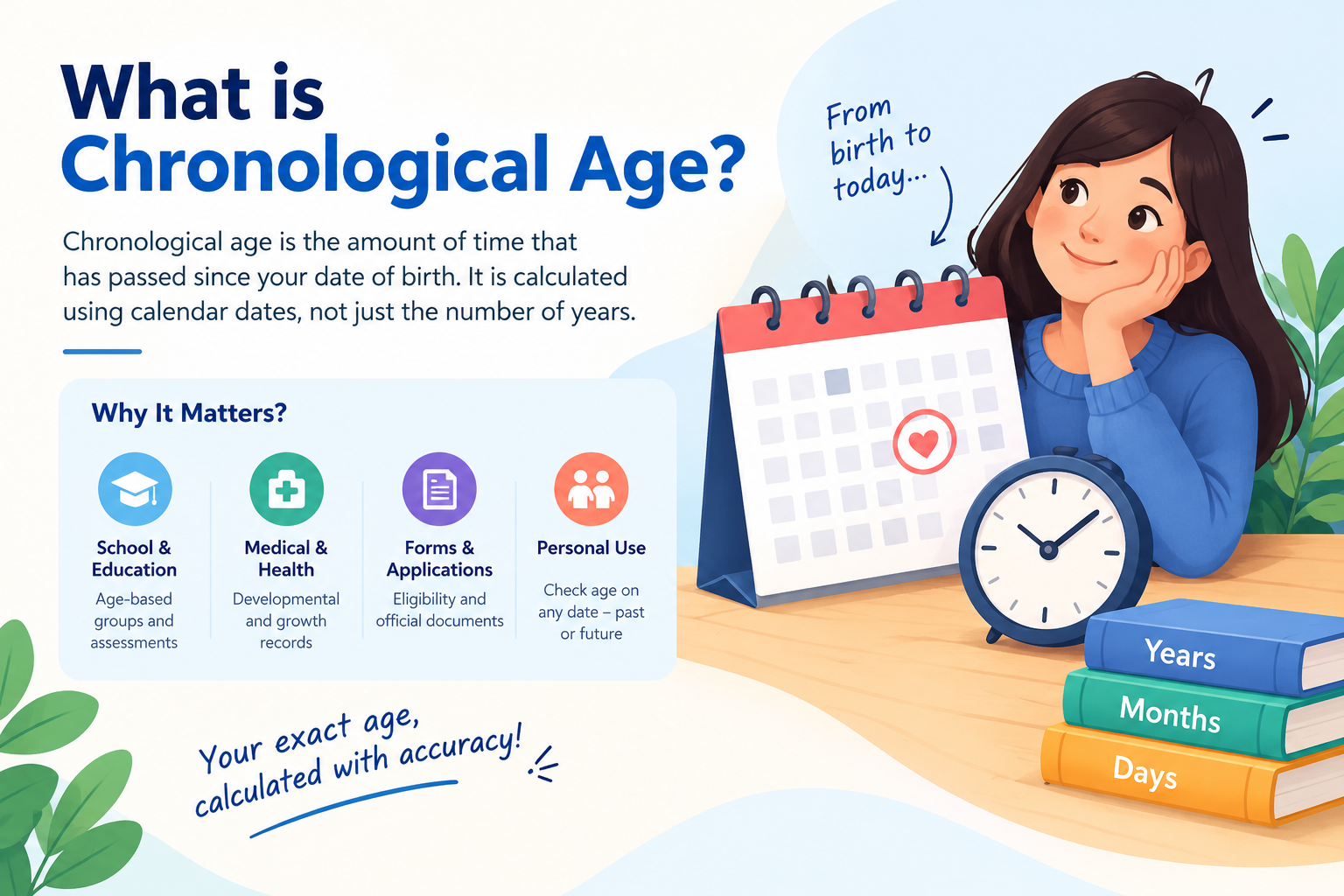
School and educational assessments
Schools and assessment providers may require a child's age on a specific date. Some assessments use age-based groups or request an age in years and months. Always follow the relevant assessment instructions.
Medical and developmental records
Healthcare professionals may record chronological age when reviewing a person's history or carrying out an assessment. For children, age in months can be relevant to certain growth and developmental measurements. This calculator does not diagnose conditions or assess development.
Applications and official documents
Some forms ask for age on a particular date rather than the date the form is completed. The reference-date field helps calculate age for that date. Official eligibility rules may define age in a specific way, so check the applicable instructions.
Personal records and milestones
You can calculate your exact age, check a family member's age, or find how old someone was on a past occasion or will be on a future date.
Chronological Age vs. Biological Age
Chronological age measures the time that has passed since birth. Biological age is a broader concept used to discuss aspects of a person's biological condition and ageing.
Two people who are both 40 years old have the same chronological age when measured on the same date, but their health, fitness, and biological characteristics may differ. This calculator measures calendar age only and does not estimate biological age.
Chronological Age vs. Developmental Age
Developmental age refers to a person's development in areas such as communication, learning, movement, and social skills. It is not automatically the same as chronological age. Developmental assessments may require appropriate methods and professional interpretation.
Chronological age provides a date-based reference point, but it cannot by itself determine whether a person's development is typical for their age.
Important Things to Know About Age Calculation
Leap years and February 29
A leap year contains 366 days and includes February 29. This affects calculations involving February and later dates. Legal and administrative rules for birthdays on February 29 may differ, so check the applicable rules for official age cut-offs.
Calendar months have different lengths
Months contain 28, 29, 30, or 31 days. Dividing total days by 30 will not necessarily produce the correct calendar age in years, months, and days.
Choose the correct reference date
If a form asks for your age on a particular date, enter that date instead of automatically using today's date.
Decimal age is an approximation
The calculator estimates decimal age by dividing elapsed days by 365.2425. This is useful for general reference, but a formal assessment may require a different calculation method.
Frequently Asked Questions
1. What is chronological age?
Chronological age is the amount of calendar time that has elapsed since a person's birth. It can be expressed in completed years or in years, months, and days.
2. How do I calculate chronological age?
Enter the date of birth and the date on which you want to know the person's age. Click Calculate Age to see the result in years, months, and days.
3. Can I calculate age on a past or future date?
Yes. Select a valid reference date that is the same as or later than the date of birth. The calculator can calculate age for past and future dates.
4. Is chronological age different from biological age?
Yes. Chronological age measures elapsed calendar time, while biological age relates to aspects of biological condition and ageing. This calculator only calculates chronological age.
5. Why calculate age in years, months, and days?
This format provides more detail than a whole number of years. It can be useful for personal records, school assessments, and forms that request exact age.
6. Does the calculator account for leap years?
Yes. It uses calendar dates and accounts for February's actual length, including February 29 in leap years. Official rules for leap-day birthdays may differ.
7. Can I use this calculator for a child?
Yes. You can calculate a child's chronological age in years, months, and days. For medical or developmental assessments, follow the relevant professional's instructions.
8. What if the reference date is before the date of birth?
The calculator displays a validation message instead of calculating a negative age. Choose a reference date that is the same as or later than the birth date.
9. Can I calculate my total age in days?
Yes. The results include total elapsed days, completed months, approximate weeks, and approximate decimal years.
10. Is the Chronological Age Calculator free?
Yes. You can use the Chronological Age Calculator on Canada Calculators without paying a calculation fee.
Conclusion: Calculate Your Exact Age with Confidence
Knowing your chronological age in years, months, and days gives you a clearer understanding of the time that has passed since your birth. Whether you are checking a personal record, preparing for an educational assessment, or completing a form that asks for your age on a specific date, an accurate calculation can save time and reduce manual errors.
The Canada Calculators Chronological Age Calculator makes the process straightforward. Enter your date of birth, choose your reference date, and click Calculate Age to view your result. You can also use the calculator to check total elapsed days, completed months, approximate weeks, and decimal age.
For the most useful result, verify both dates before calculating. If you need your age for a legal, medical, educational, or official purpose, confirm that the calculation meets the rules and instructions of the relevant authority.
Use the calculator above whenever you need a quick, convenient way to calculate chronological age.